Momentro Guides · Organize footage
A no-stress footage intake routine for phones, cameras and shared clips
A small routine that keeps scattered clips findable—without asking you to sort your entire archive every Sunday.
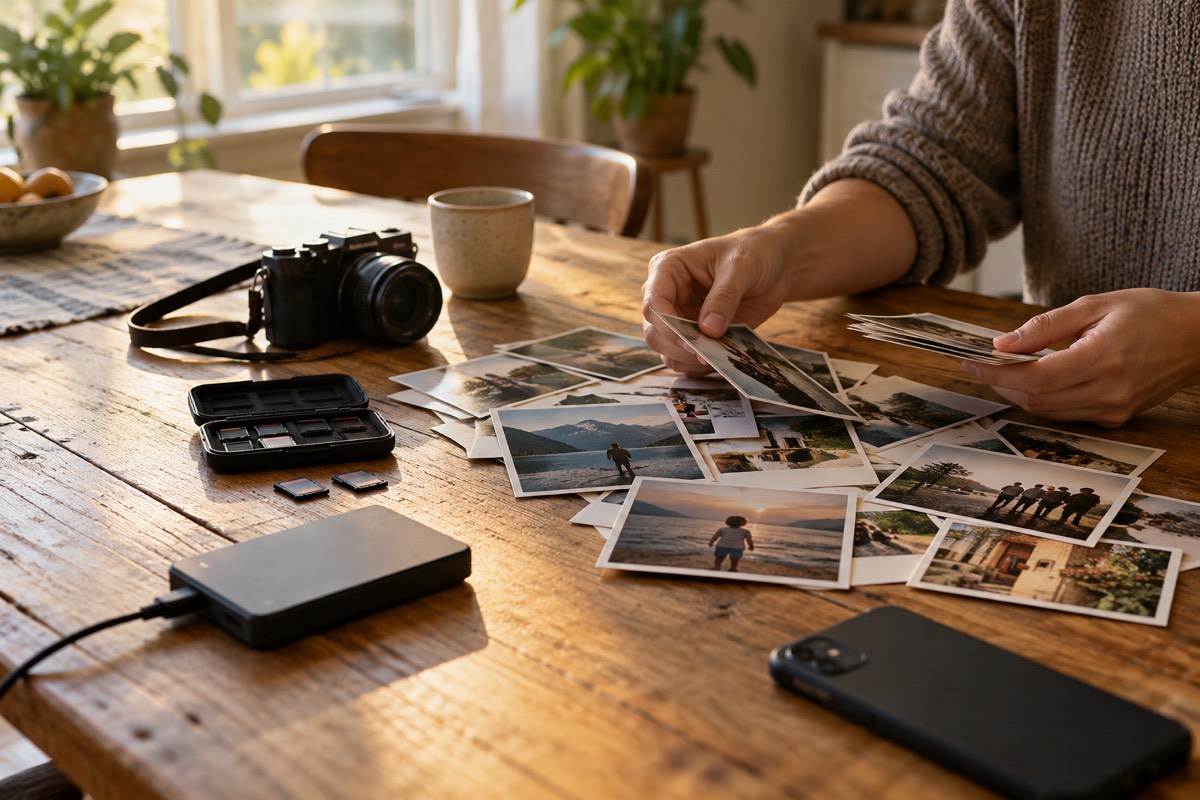
Start with the footage that is still in motion
The hardest moment to organise clips is often six months later, when the camera card has disappeared, the phone has been replaced, and nobody remembers who filmed what. A gentler system begins with the material that has just arrived: a weekend away, a birthday, a family visit, or a day you know you will want to return to.
You are not building a perfect digital museum. You are giving one set of moments a safe, understandable landing place.
The goal is not “everything sorted.” The goal is “the next good story is not lost.”
Use one intake folder before you make any decisions
Create a folder on your computer called something clear and temporary, such as 2026-11 coastal weekend — intake. Copy in the files you may want from your phone, camera card, drone, old drive, or a shared family folder. Keep the originals where they are as well until your usual backup is complete.
This intake folder is not a promise to edit every clip. It simply stops useful material from being scattered across five places while you decide what the story could be.
Ask for favourites, not everybody’s whole camera roll
When someone else has filmed part of the day, a small request works better than “send me everything.” Ask for three to five clips they would save if the rest disappeared. You get the moments that mattered to them, and nobody has to upload a huge collection just to participate.
Later, if there is a missing piece, you can ask for it. Start with what is already meaningful.
Give the project a name that still works later
A date, a place, and a plain event name are usually enough: 2026-08 Riga weekend or 2026-10 Grandma’s birthday. Avoid names like new folder 2 or video stuff; they make sense today and become invisible in six months.
Inside, you only need three places:
- Intake — everything you are considering.
- Selected — the clips for this one film.
- Keep — the exported film and any notes worth saving.
Your backup archive can follow its own structure. Editing selection and long-term storage do not need to be the same job.
Archive, trim and delete are different choices
Archive means “keep the original because it matters or may matter later.” Trim means “leave it in the archive, but do not bring it into this film.” Delete is only for files you are genuinely comfortable losing: accidental recordings, corrupted clips, or obvious duplicates after you have checked them.
Giving those three choices different names removes a lot of unnecessary pressure. A clip can be worth keeping without being required in every finished film.
Let the long computer work happen after selection
Once you have a selected folder, Momentro can analyse those clips on your computer. Larger sets take real time depending on the files and your computer, which is why the useful part is starting the job and going on with your day. Come back for the review, make a small adjustment if it helps, and start the export when the draft feels right.
You do not need to upload a full family library to begin one selected project. Keep the intake small, keep the archive separate, and let each film have a clear beginning.
Begin with one small selected set.
Momentro helps you turn selected family and travel clips into a draft you can review and export on your computer.